Download & install
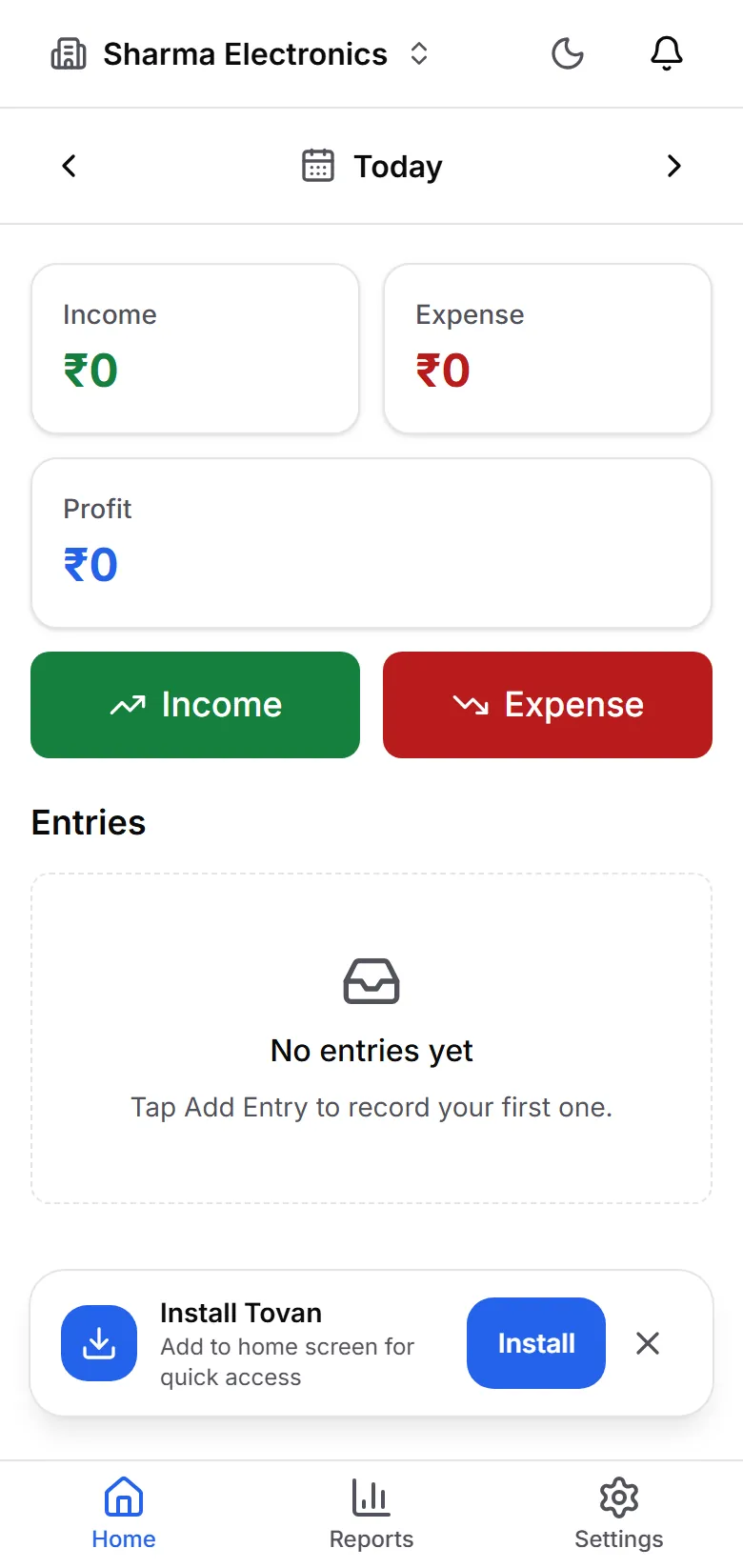
Tovan is a Progressive Web App (PWA). Install it from your browser in seconds — no app store needed, and it works offline.
Android (Chrome)
- 1Open app.gettovan.com in Chrome
- 2Tap the ⋮ menu in the top-right corner
- 3Tap "Add to Home screen" (or "Install app")
- 4Tap "Install" — Tovan appears on your home screen like any app
iPhone / iPad (Safari)
- 1Open app.gettovan.com in Safari
- 2Tap the Share button (square with an arrow)
- 3Scroll down and tap "Add to Home Screen"
- 4Tap "Add" — Tovan appears on your home screen
Computer (Chrome / Edge)
- 1Open app.gettovan.com in Chrome or Edge
- 2Click the install icon in the address bar (a screen with a down arrow)
- 3Click "Install" — Tovan opens in its own window
Once installed, Tovan keeps working even without internet. Entries you add offline sync automatically when you reconnect.